Stored XSS in Meet Me
Introduction#
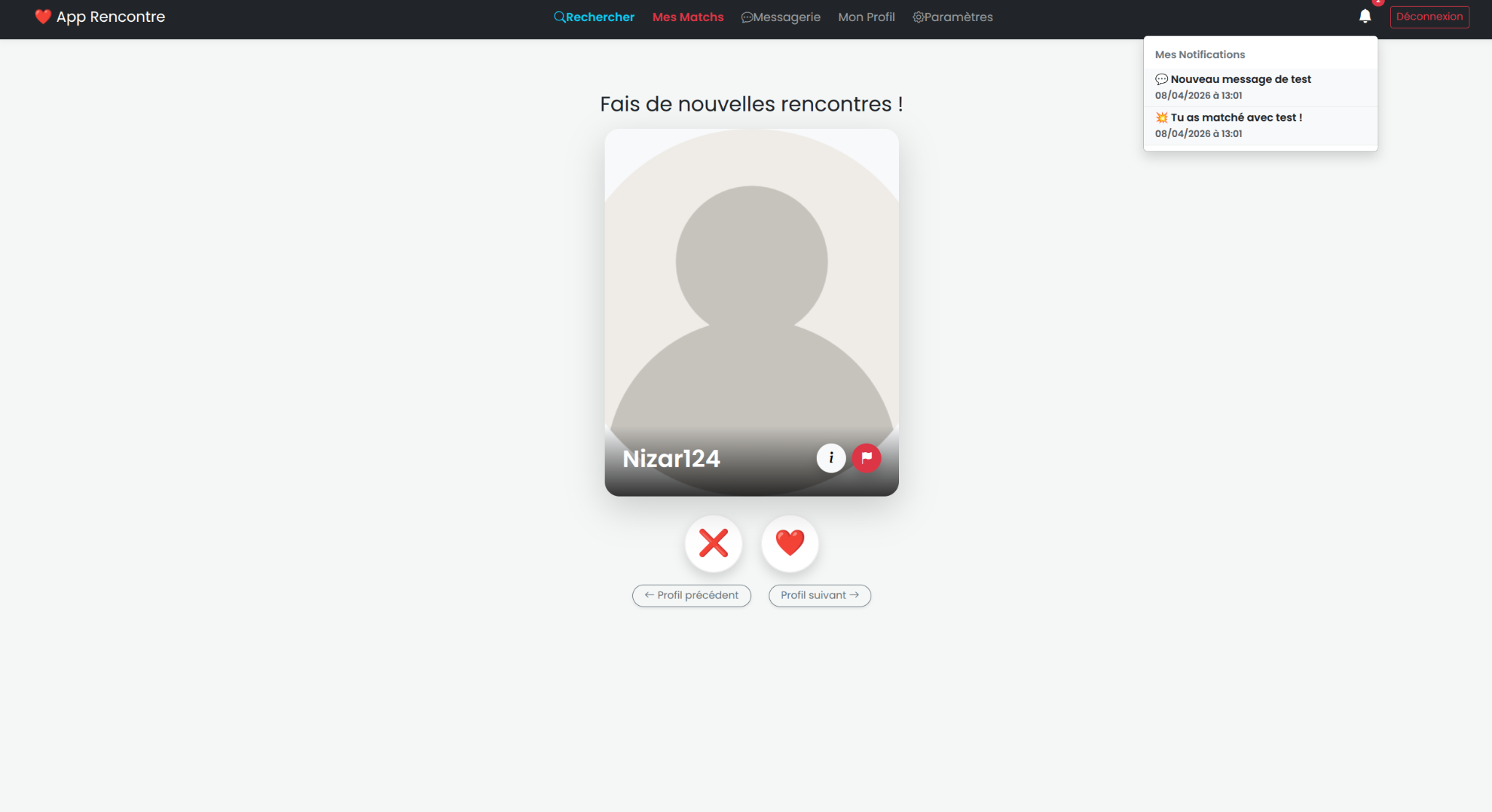
Meet Me is a dating app that I built in a team of five for a software engineering course. The app lets users:
- create an account
- add photos
- match with other users
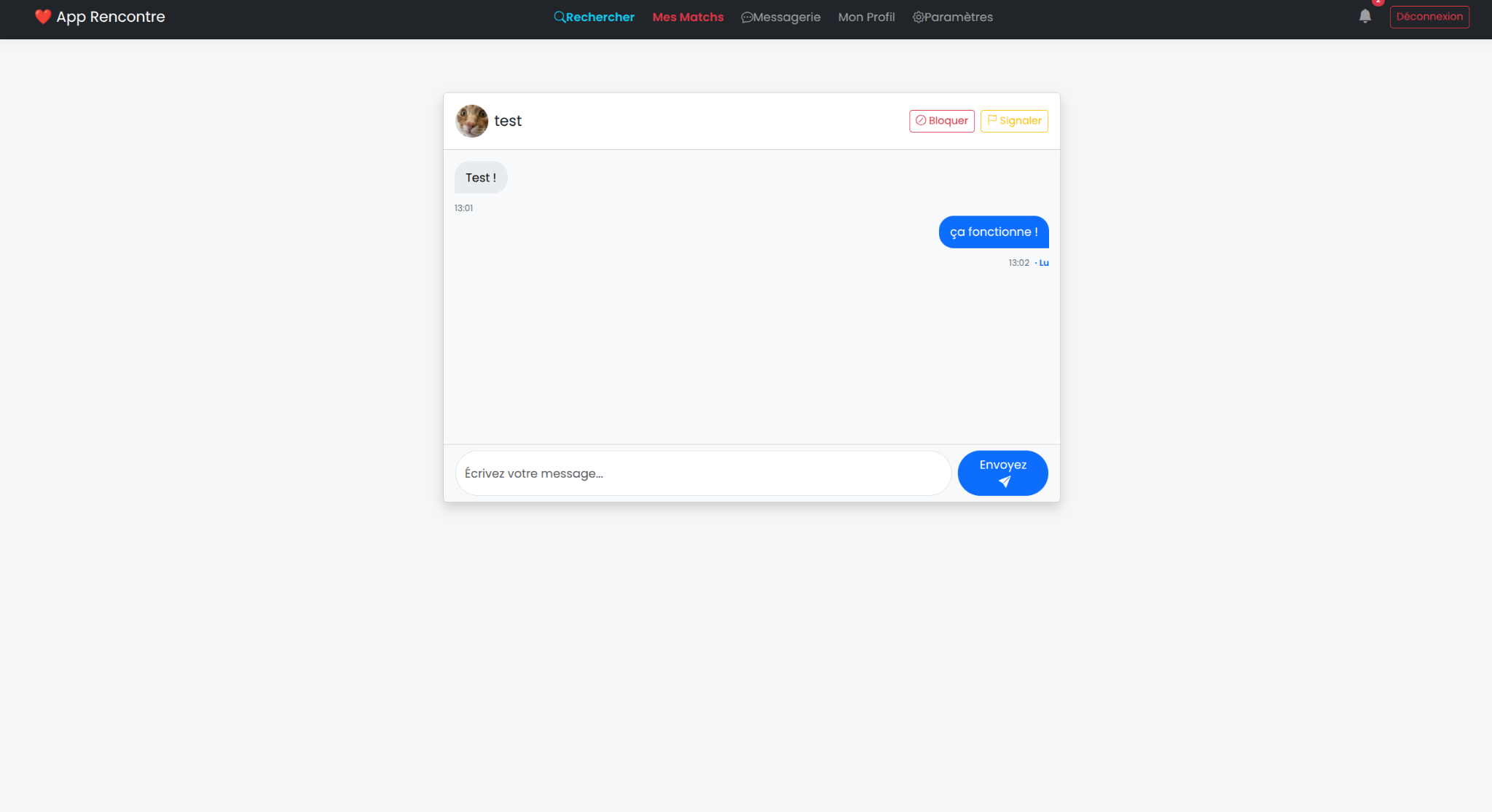
- chat with each other
- report users
We did not focus heavily on security during the project, but we still followed several good practices we learned during our studies.
The application uses Symfony, which already provides useful security features such as:
- password hashing
- secure authentication
- CSRF protection
- other built-in safeguards
Once the project was finished, I decided to review it from a security point of view and look for possible vulnerabilities.
I found one. A serious one.
Quick overview of the app#
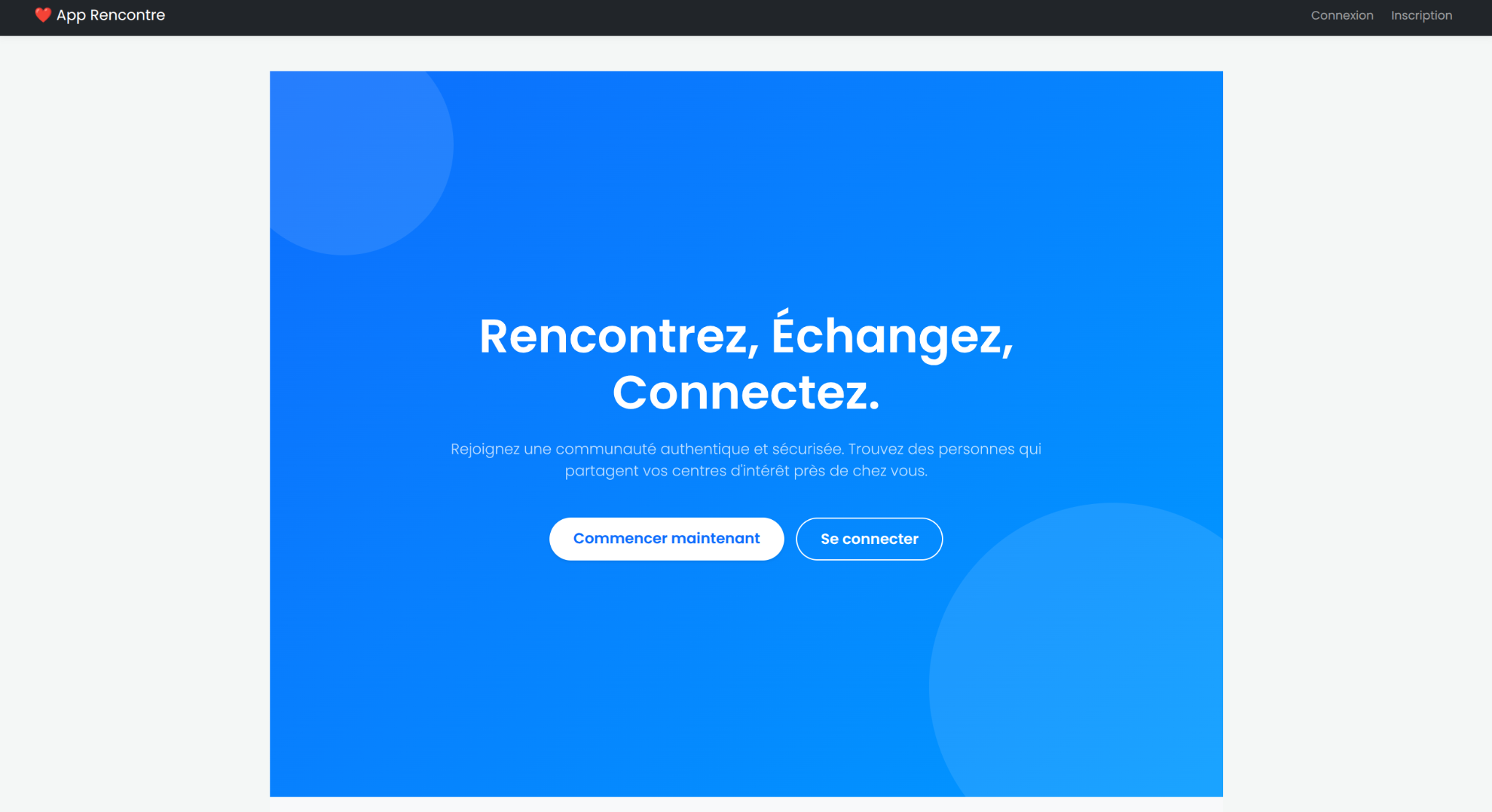
Home page#
Swipe page with notifications#
Messaging page#
Vulnerability summary#
| Item | Value |
|---|---|
| Vulnerability type | Stored XSS |
| Entry point | Username field |
| Where it is stored | Database |
| Dangerous behaviour | innerHTML used in notifications |
| Impact | JavaScript execution in the victim’s browser |
Root cause#
Before the fix, the username field was not validated correctly.
This meant an attacker could place an HTML or JavaScript payload directly inside their username. That value was then:
- stored in the database
- reused in different parts of the application
- injected back into the interface
The main issue came from the fact that the notification system used innerHTML. Because of that, the malicious username was interpreted as HTML instead of plain text, which allowed client-side JavaScript execution.
In other words, this was a stored XSS vulnerability.
Example of exploitation#
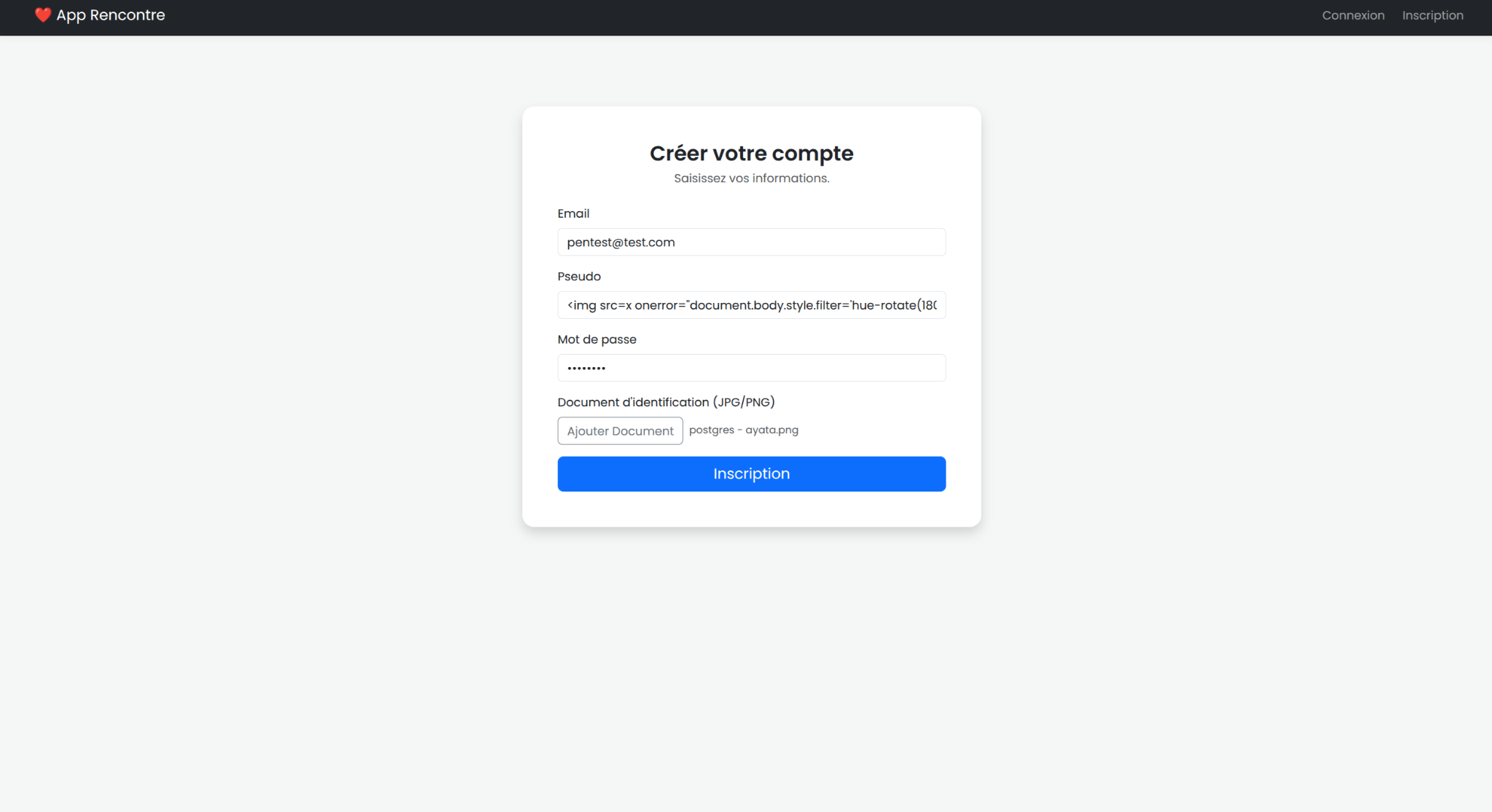
1. The attacker puts the payload in their username#
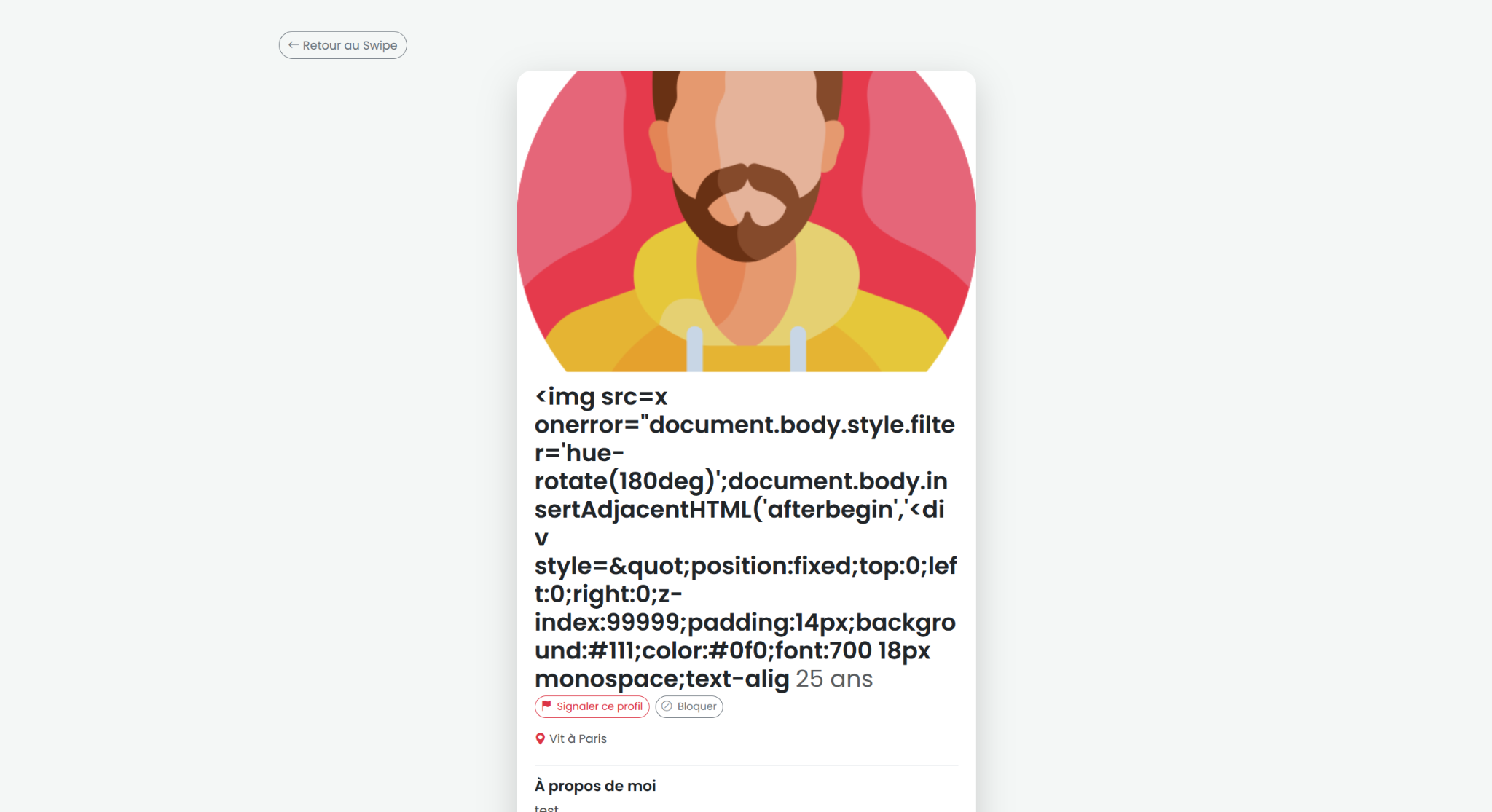
The attacker registers with a malicious username containing the payload.
2. The attacker interacts with a victim#
Then the attacker only needs to match with the victim or send a message after a match.
3. The payload executes on the victim side#
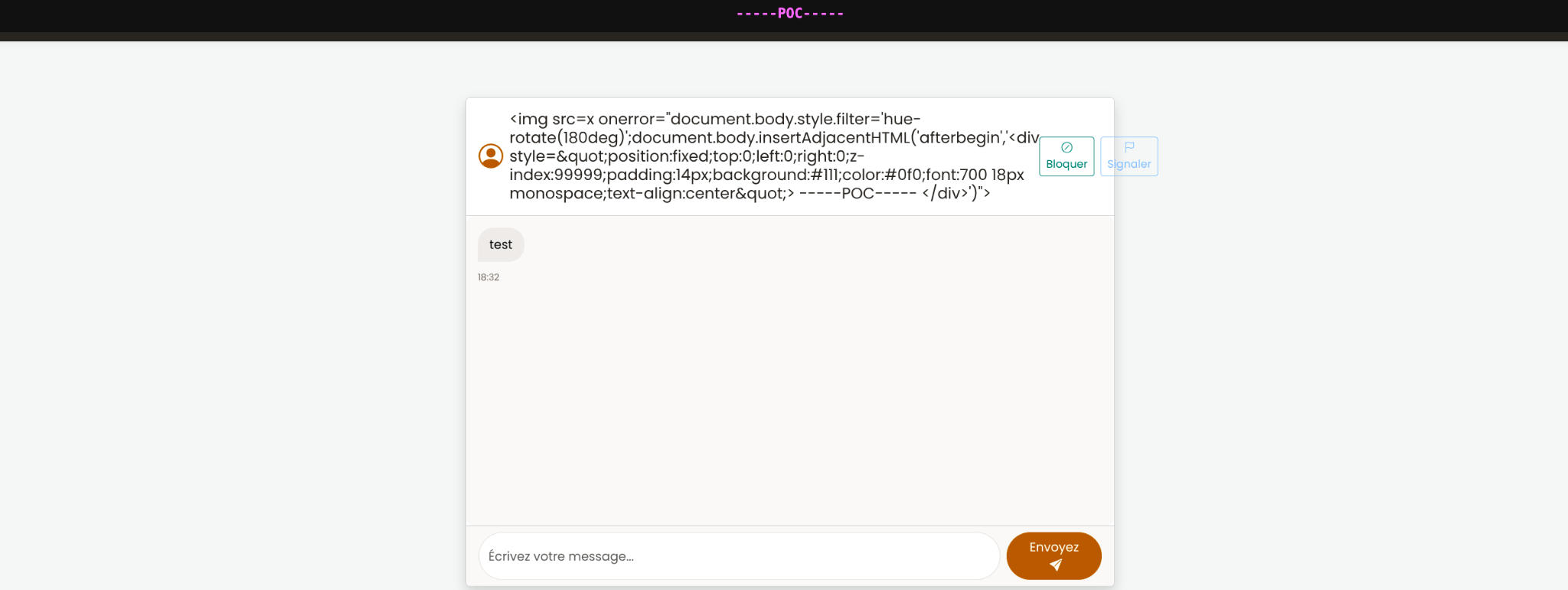
When the malicious content is rendered through the vulnerable notification logic, the JavaScript runs in the victim’s browser.
Possible impact#
This kind of XSS can be used to:
- redirect the victim to a fake page
- modify the interface
- run actions in the victim’s session
- steal data depending on the surrounding context and protections in place
Payload used for the proof of concept#
<img src=x onerror="document.body.style.filter='hue-rotate(180deg)';document.body.insertAdjacentHTML('afterbegin','<div style="position:fixed;top:0;left:0;right:0;z-index:99999;padding:14px;background:#111;color:#0f0;font:700 18px monospace;text-align:center">-----POC-----</div>')">
Why it worked#
The attack worked because three things happened together:
- user-controlled data was accepted without proper filtering
- the value was stored and reused later
- the application inserted that value with
innerHTMLinstead of safe text rendering
Fix idea#
A proper fix is to combine several protections:
- validate and sanitize user input
- escape output correctly
- avoid
innerHTMLfor untrusted content - review every place where usernames are rendered
Final note#
This vulnerability was found after the end of the project during a personal security review.
It is a good example of a common mistake in web applications: even when a framework provides strong built-in protections. This type of vunerabilities can happen when you develop an app without a serious security audit.